
PK CANbus keypads: one unique solution that simplifies your daily operations
Date: 17/11/2026
Loading...
As vehicles integrate more functions, operators can quickly find themselves surrounded by separate switches, controls and interfaces. Lights, auxiliary equipment, warning systems, hydraulic functions and vehicle settings all need to remain immediately accessible - without making the dashboard increasingly complex. The APEM PK range of CANbus keypads provides a way to bring these commands together into compact, intuitive control interfaces. Designed for demanding vehicle environments, the PKI, PKR and PKD series combine tactile operation, configurable visual feedback and CANopen or J1939 communication with different levels of modularity and space optimization.
Three CANbus keypads, three ways to organize vehicle controls
The three series share the same rugged foundation. The main difference is how the operator interacts with the interface and how much flexibility or space optimization the application requires.
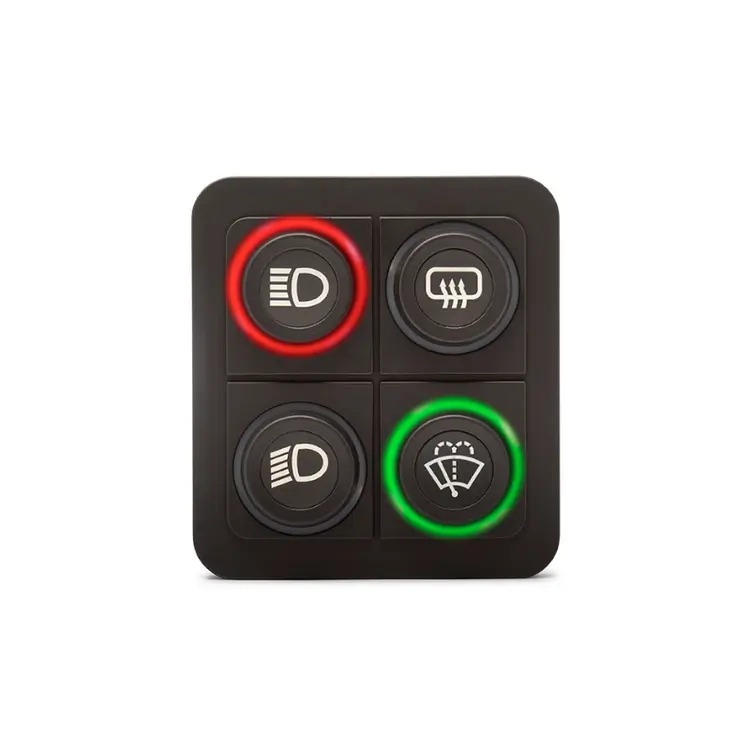
PKI
MODULAR
The best for configurable vehicle platforms and late-stage icon changes.
Replaceable laser-etched icon inserts
15 mm or 24 mm keys
1 to 15-key layouts
Glove-friendly tactile operation
Configurable RGB illumination

PKR
COMPACT
The best when many direct commands must fit in limited panel space.
High button density
Customized laser-etched RGB icons
Up to three status LEDs per key
Clear tactile feedback
Compact sealed rubber keypad
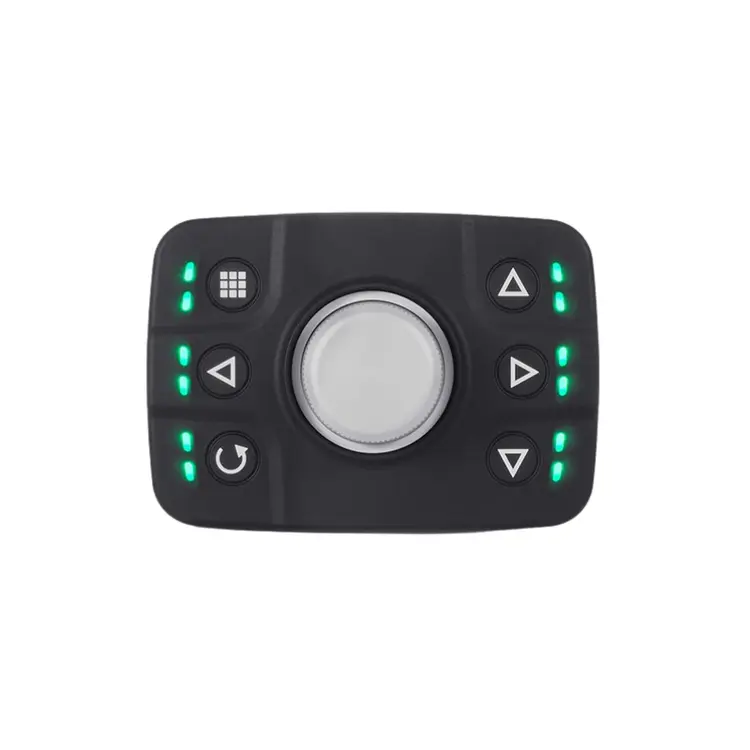
PKD
MULTIFUNCTION
The best for menu navigation and multiple interactions from one central control.
Joystick functionality
Rotary encoder
Pushbutton validation
Configurable LED ring
Suitable beside a display or touchscreen
What can the PK range bring to vehicle controls?
Modernizing a vehicle HMI is not necessarily about adding more technology. In many cases, it is about organizing existing commands more effectively.
Centralize multiple functions
Group auxiliary commands into one coherent CANbus interface instead of multiplying individual controls across the dashboard. In emergency vehicles, this can include lighting, sirens, pumps and HVAC.
Make the interface easier to understand
Tactile keys, illuminated icons and configurable status LEDs put information directly at the point of interaction, helping operators identify commands and understand status faster.
Adapt to different vehicle configurations
PKI supports late-stage insert changes, PKR offers dense customizable layouts, and PKD adds multifunction control - helping manufacturers keep a consistent HMI architecture across variants.
Build for demanding environments
PKI, PKR and PKD are IP67/IP69K sealed, rated for 3 million operations and designed for -40°C to +70°C operation, with CANopen and J1939 communication.
New options for even more integration flexibility
🔔 NEW IN THE PK RANGE
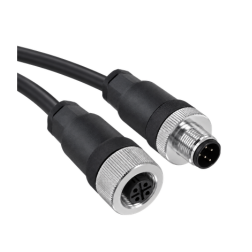
M12 connector option: Replacing the Deutsch connector.
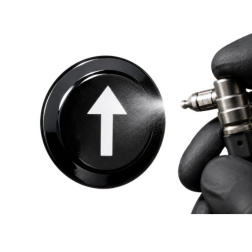
PU coating on inserts: An additional option for high-abrasion environments.
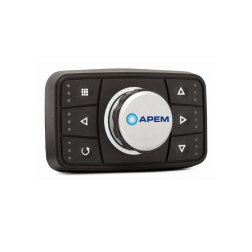
Digital printing on the knob: More possibilities for brand identification, visual differentiation and aesthetics.
Where can PK CANbus keypads be used?
The PK range is particularly suited to special-purpose vehicles where operators need direct access to numerous functions, often within a limited dashboard area.
💡 E-marking (UNECE R10): certifies that the PK range meets electromagnetic compatibility (EMC) requirements for vehicles, helping ensure reliable operation without causing excessive electromagnetic interference.

Fire trucks
Centralize emergency lighting, sirens, pumps and other mission equipment. PKI is particularly relevant for tactile, glove-friendly control.
Key requirements
Immediate identification
Glove operation
Status feedback
Ruggedness

Ambulances
Keep warning systems, lighting and auxiliary functions immediately understandable without adding unnecessary dashboard complexity.
Key requirements
Intuitive controls
Visual feedback
Compact integration
Reliability

Police vehicles
Integrate warning lights, sirens and mission-specific equipment in a structured cockpit interface. PKR is useful where space is constrained.
Key requirements
Compactness
Rapid identification
Tactile operation
Status indication

Street sweepers
Organize brushes, cleaning systems and auxiliary functions for frequent, repetitive operation in outdoor conditions.
Key requirements
Intuitive operation
Outdoor resistance
Ergonomics
Clear status

Garbage trucks
Support repeated interaction with vehicle-mounted equipment throughout the working shift with robust, clearly identified controls.
Key requirements
Durability
Repetitive-use ergonomics
Weather resistance
Clear identification
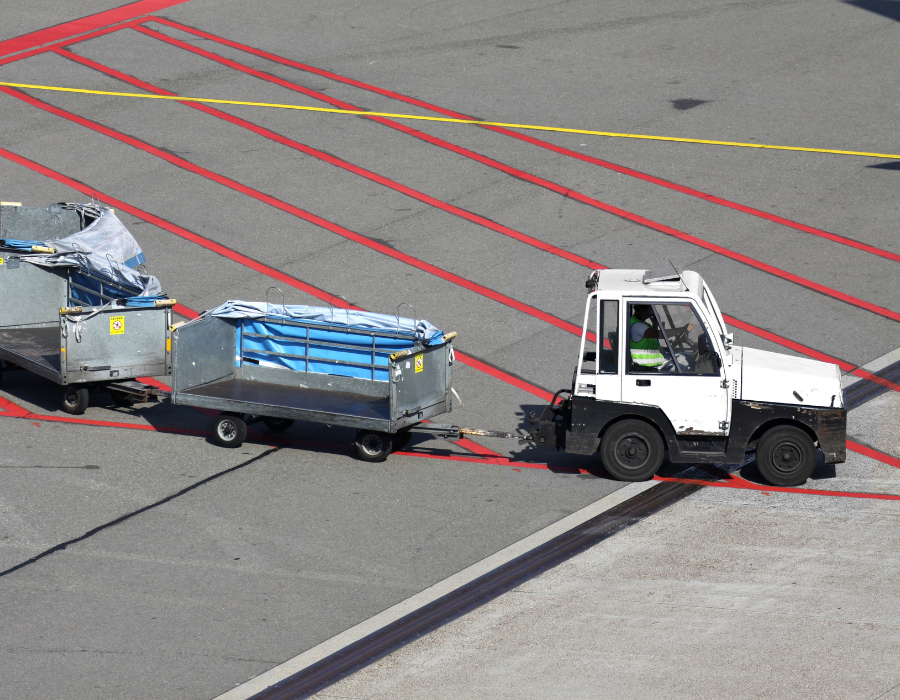
Ground support equipment (GSE)
Fit multiple vehicle and equipment functions into compact operator stations. PKR suits dense control layouts; PKD suits display navigation.
Key requirements
Compact integration
High control density
Ruggedness
CAN communication
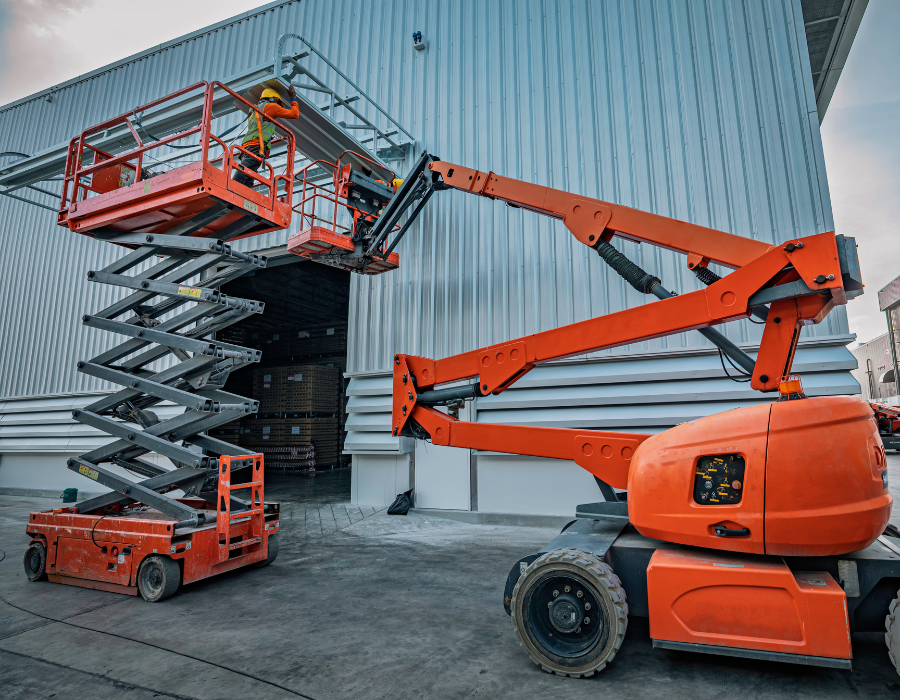
Truck mounted boom lift
Combine vehicle and machinery functions. PKD can centralize boom movement, rotation and function selection in one compact control interface.
Key requirements
Multifunction control
Ergonomics
Sealing
Clear feedback
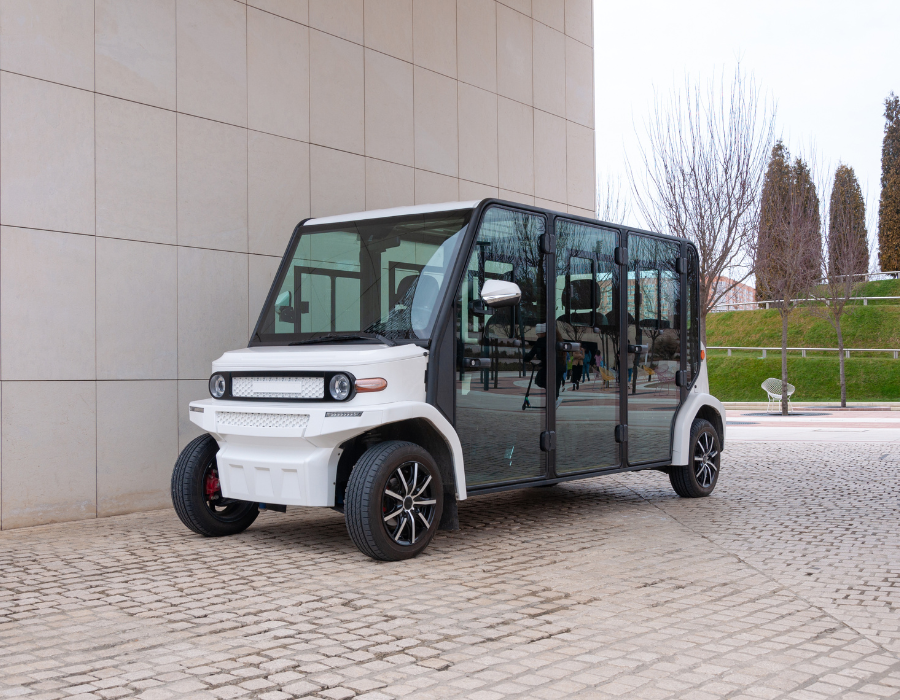
Utility vehicles
Control auxiliary equipment and vehicle functions from a single, easy-to-use interface. PKI allows key layouts and icons to be adapted to different vehicle configurations.
Key requirements
Configurable layouts
Late-stage customization
Glove operation
Outdoor resistance
💡 EXPERT ADVICE
Start by mapping the operator workflow, not by counting how many controls need to fit on the panel. Identify which functions are used most often, which require immediate physical access, which need status feedback and which can be grouped together. This helps determine whether the application needs PKI modularity, PKR control density or PKD multifunction interaction.
Hanh Lin – Project Leader
Looking to simplify your vehicle control interface?
Whether you are developing a new special vehicle or redesigning an existing dashboard, APEM can help identify the appropriate PK keypad configuration for your functions, available space, communication architecture and customization requirements.
Tell us about your application and discuss your HMI requirements with our Panel Solutions team.
Sign up to receive our newsletter, emails about special offers, updates and new releases.


Get the help and resources you need quickly with APEM
If you have questions or suggestions, we’re here to listen.
Our sales and support set the standard for helping you.
All the technical documentation you need to make things work...